Sometimes I just want quick visibility into what is running in a namespace, so here are a few scripts I use often.
1. Get build numbers for pods in a namespace
kubectl get pods -o custom-columns="Name:metadata.name,Build:metadata.annotations.azure-pipelines/build-number" -n test
2. List container images in a namespace
kubectl get pods -n test -o jsonpath="{.items[*].spec.containers[*].image}" | \
tr -s '[[:space:]]' '\n' | \
sort | \
uniq -c
3. Check CPU and memory requests/limits
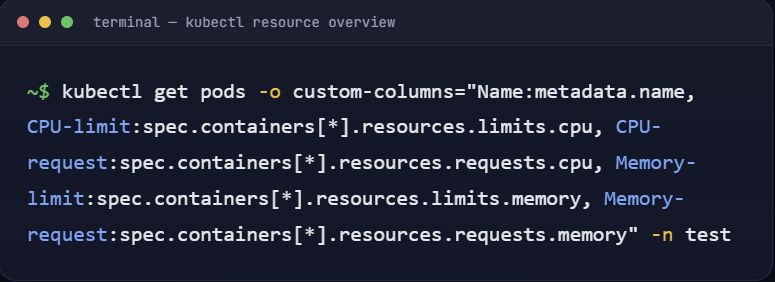
kubectl get pods -o custom-columns="Name:metadata.name,CPU-limit:spec.containers[*].resources.limits.cpu,CPU-request:spec.containers[*].resources.requests.cpu,Memory-limit:spec.containers[*].resources.limits.memory,Memory-request:spec.containers[*].resources.requests.memory" -n test
You can turn any of these into a script, apply chmod +x, and save the output to a file with:
./script.sh > output.txt