I spent two separate one-hour sessions trying to set up a child account and parental controls for my daughter, and it still didn't work the way I expected.
What made it especially frustrating was that the "add teen account" option I had seen earlier was suddenly missing, and the normal Family Link flow seemed to assume that my daughter already had her own Android or ChromeOS device.
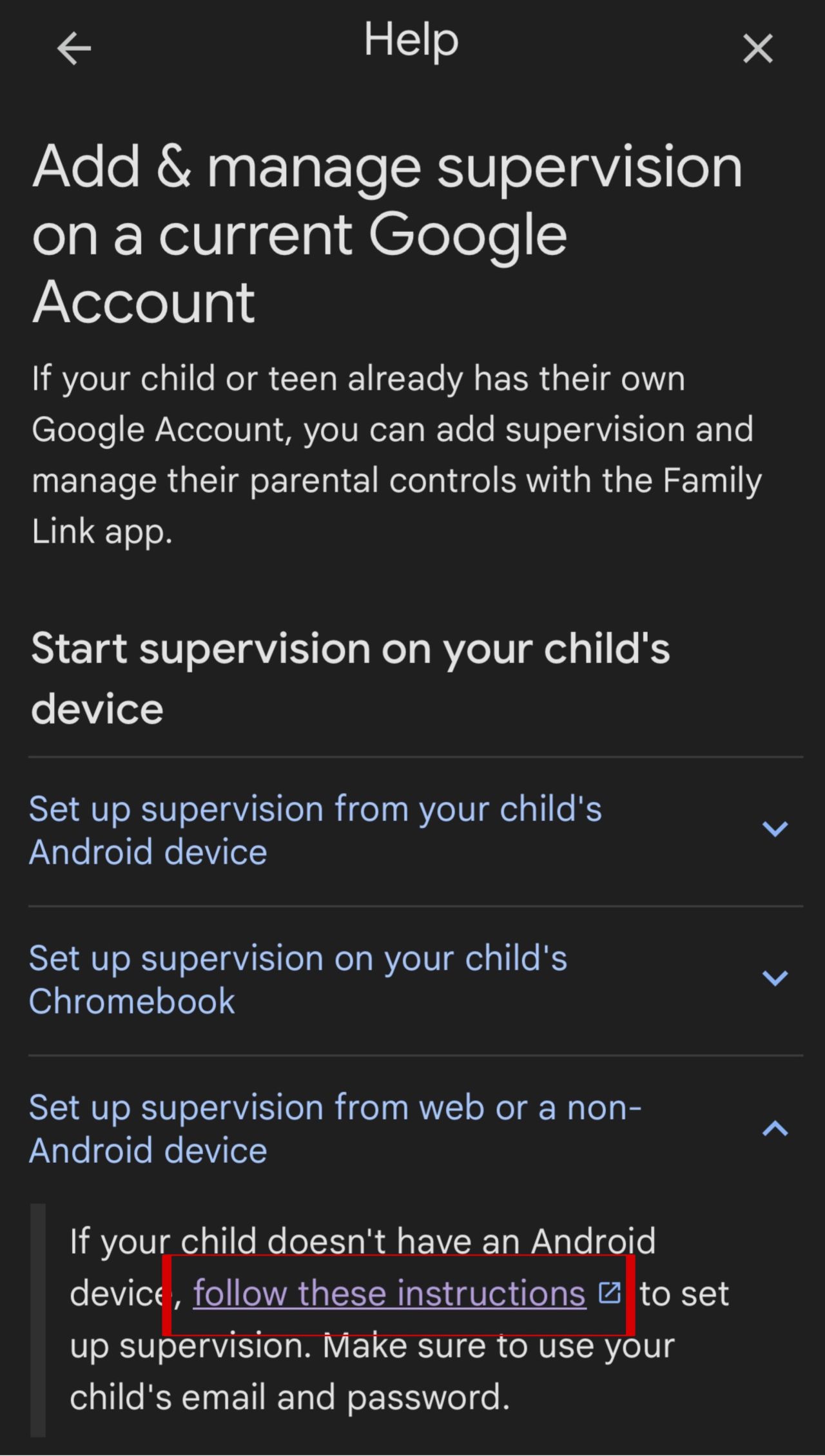
Eventually in my third try, I found a hidden help page for non-Android devices and the right supervision opt-in flow. To make it work for a child over 13, I first created the account, then added it to Family Link without supervision, and only after that used the link to enable supervision.
It was surprisingly hard to find and copy the correct page, which says a lot about how fragmented the experience is.
And yes, this is coming from someone with extensive IT experience. If it's this confusing for an experienced technical user, I can only imagine how frustrating it must be for others.
I never give up easily, but when frustration is high, sometimes it's better to step away and continue another time with a clearer mind.
Good security matters.
But if the setup is this fragmented and inconsistent, the UX is simply not good enough.
I even installed Chrome to set this up, but it appeared to be that I couldn't open the link from the help page in this browser. In the end, I tried the same page in Safari, and that finally worked 🙃
Here is the link to set this up for non Android devices: families.google.com
Has anyone else had a similar experience with Google Family Link?