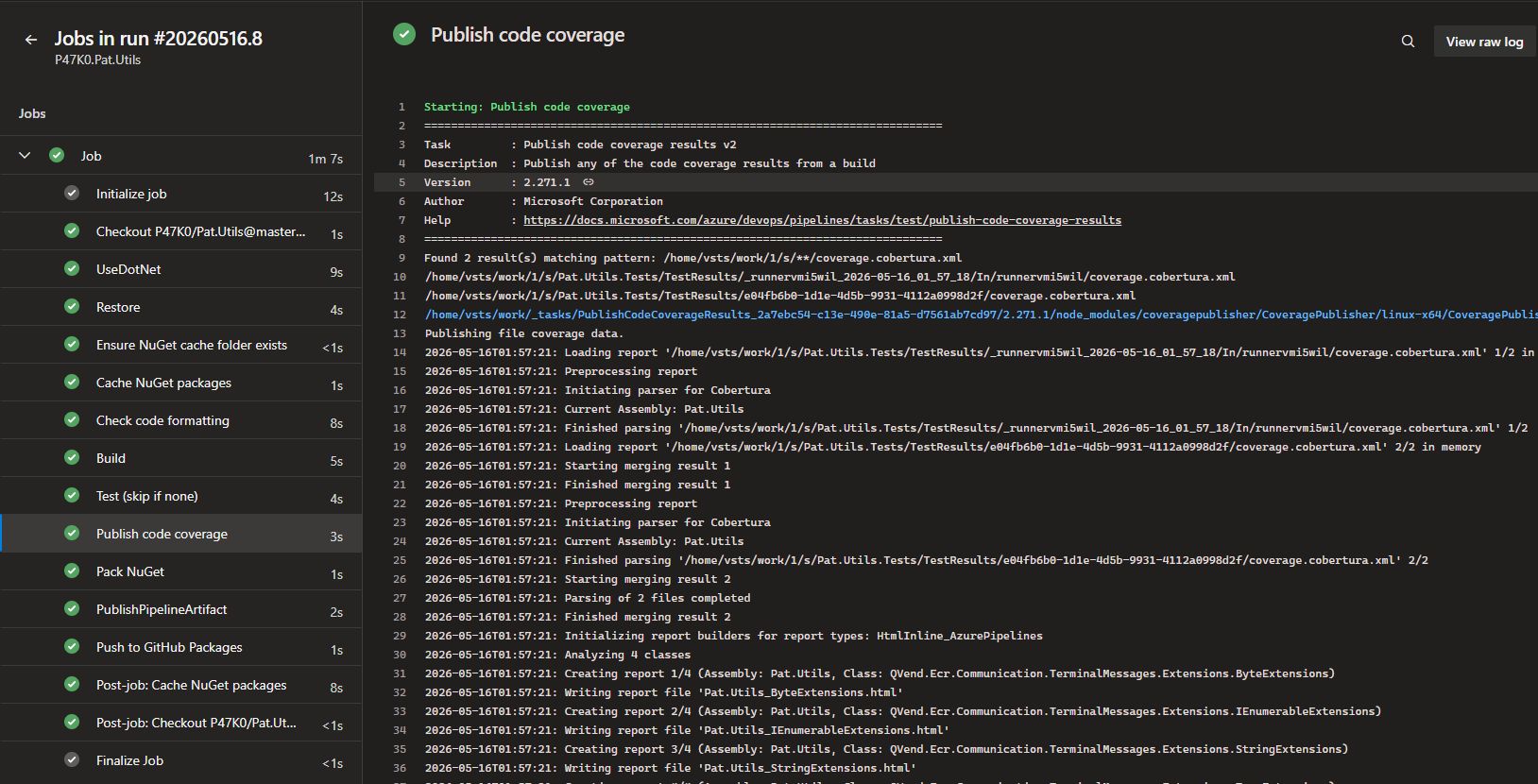
This weekend I spent some time improving my small .NET helper library CI/CD pipeline as part of my AZ-400 study path. The goal wasn't just to pass the exam, but to build something I can reuse and point to in real projects.
What I set up:
- A small .NET extension-library.
- AI assisted unit test generation with Aider and Qwen2.5
- An Azure DevOps YAML pipeline that builds from a GitHub repo.
- Automated NuGet packaging and publishing to GitHub Packages using a GitHub PAT.
- NuGet restore caching to speed up builds.
- Static check style gate with
dotnet format --verify-no-changes. - Code coverage
- Automatic versioning using
$(Build.BuildId)so every CI run produces a unique SemVer-compatible package.
A few small but meaningful lessons:
- Adding
paths.exclude: - 'azure-pipelines.yml'to the trigger prevented the pipeline from running on every YAML edit and gave me intentional control over when to run it. - Aider helped scaffold most unit tests, but I ended up tweaking and fixing them manually, proving that AI-assisted development is best when paired with human review. The pipeline now reports ~63% line coverage, which is enough to show the tooling works: the point is the pipeline, not the number.
- I also hit a caching quirk: the Cache@2 post-job task kept failing because the target cache directory did not exist on first runs. A quick
mkdir -p ~/.nuget/packagesbefore the cache task fixed it and left the pipeline green.
Next steps:
- Recreate the pipeline in GitHub Actions
- Add SonarQube